Facebook is one of the most powerful marketing platforms in the world. With billions of active users, Facebook Marketing offers unmatched opportunities for businesses to reach the right audience, build strong brand presence, and generate consistent sales. Whether you run an online shop, a service-based business, or a small local brand—Facebook Marketing can take your results to the next level.
In this article, you’ll learn everything you need to know about Facebook Marketing, explained in a simple and human-friendly way. Let’s dive in!
What Is Facebook Marketing?
Facebook Marketing means using Facebook’s tools—such as posts, videos, boosting, ads, pixel, events, and catalog—to promote your products or services. You can market on Facebook in two main ways:
- Organic Marketing (free)
- Paid Marketing (ads)
Both methods work together to grow your business.
Types of Facebook Marketing
Organic Facebook Marketing
Organic marketing is free promotion. It helps you build trust and a loyal audience.
Includes:
- Page posts
- Reels
- Stories
- Live videos
- Groups
- Community building
Paid Facebook Marketing (Ads)
Paid marketing uses Facebook Ads Manager to reach specific audiences with targeted ads.
This is the most effective way to drive traffic, leads, and sales.
Essential Components of Facebook Marketing
Below are the most important elements you must understand if you want to run successful Facebook marketing campaigns.
1. Boosting (Boost Post)
Boosting is the simplest and quickest way to promote a post. It’s perfect for beginners or for pages that need fast engagement.
Why Boosting Helps:
- Increases reach instantly
- Helps get more likes, comments, and shares
- Good for page growth
- Easy to use—no complicated steps
When to Use Boosting:
- When a post is already performing well
- For offers or announcements
- To increase brand visibility
- To grow a new page quickly
Boosting is great for visibility, but it’s not the best for sales. For serious marketing, you need Ads Manager campaigns.
2. Facebook Campaign (Ads Manager)
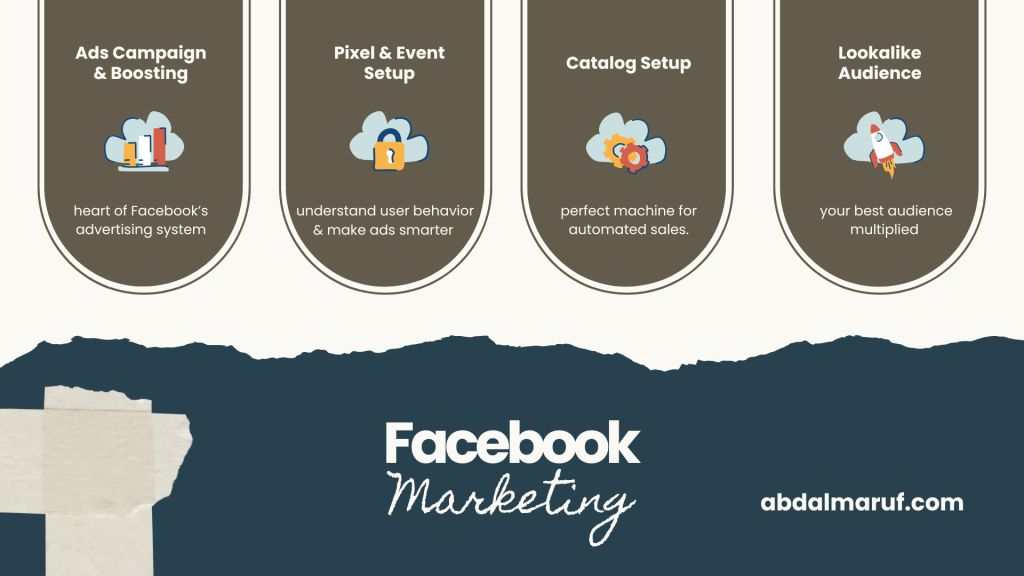
Campaigns are the heart of Facebook’s advertising system. They give you full control, detailed targeting, and advanced optimization.
Common Campaign Types:
- Traffic Campaign – Bring people to your website or landing page
- Conversion Campaign – Generate purchases, add-to-cart, or other actions
- Lead Generation Campaign – Collect emails, phone numbers, or inquiries
- Engagement Campaign – Boost likes, comments, and interactions
- Video View Campaign – Promote your videos
- Catalog Sales Campaign – Automatic product-based ads for e-commerce
- Remarketing Campaign – Show ads to past website visitors or page engagers
Compared to boosting, campaigns offer more data, more customization, and better results.
3. Facebook Pixel Setup
Facebook Pixel is a small tracking code installed on your website. It helps Facebook understand user behavior so your ads perform better.
Pixel Tracks Actions Like
- Page views
- Add to cart
- Purchase
- Sign-ups
- Leads
Why Pixel Is Important
- Helps optimize for conversions
- Enables remarketing
- Builds high-quality audiences
- Tracks your advertising results accurately
If you have a website, using the Pixel is absolutely necessary.
4. Facebook Event Setup
Events are specific actions that Pixel tracks on your website.
Why Events Matter
- Facebook can optimize your ads for real results
- Helps improve conversion rate
- Allows accurate tracking
- Supports advanced remarketing techniques
Common Events Include
- View Content – Someone views a product
- Add To Cart
- Initiate Checkout
- Purchase
- Lead
- Complete Registration
Events make your ads smarter and more effective.
5. Lookalike Audience (LAA)
Lookalike Audiences help you reach new people who behave like your existing customers.
What You Need to Create a Lookalike Audience
- Pixel data
- Customer list
- Website visitors
- Page engagement data
Why Lookalikes Are Powerful
- Helps scale campaigns
- Targets highly relevant people
- Improves ad performance
- Works perfectly for e-commerce, services, and lead-gen
In simple terms: Lookalikes = your best audience multiplied.
6. Facebook Catalog Setup
A Catalog contains all your product information and syncs your website with Facebook.
Catalog Is Used For
- E-commerce stores
- Shops with many products
- Dynamic product ads
- Catalog sales campaigns
Benefits of Catalog Marketing
- Automatically shows products people viewed
- Helps with retargeting
- Updates product data automatically
- Supports large-scale product advertising
Catalog + Pixel = a perfect machine for automated sales.
Final Thoughts
Facebook Marketing is more than just posting content. To get real results, you must understand boosting, campaigns, pixel, events, audiences, and catalog setup. When all these elements work together, they create a powerful marketing system that helps you reach the right people, build trust, and generate more sales.
If you master these tools, Facebook can become your strongest business growth engine in 2025 and beyond.
If you’re looking for a digital marketing expert who truly cares about your brand’s growth, your story, and your success – I’m here to stand by your side. You can knock me on Fiverr, Upwork, LinkedIn, Email, WhatsApp or Facebook, Wherever you want. Contact page.
Leave a Reply